Password Manager
where your data belongs to you.
A local-first password manager with secure desktop sync, no accounts and end-to-end encrypted backups.
Get 2FAS Password Manager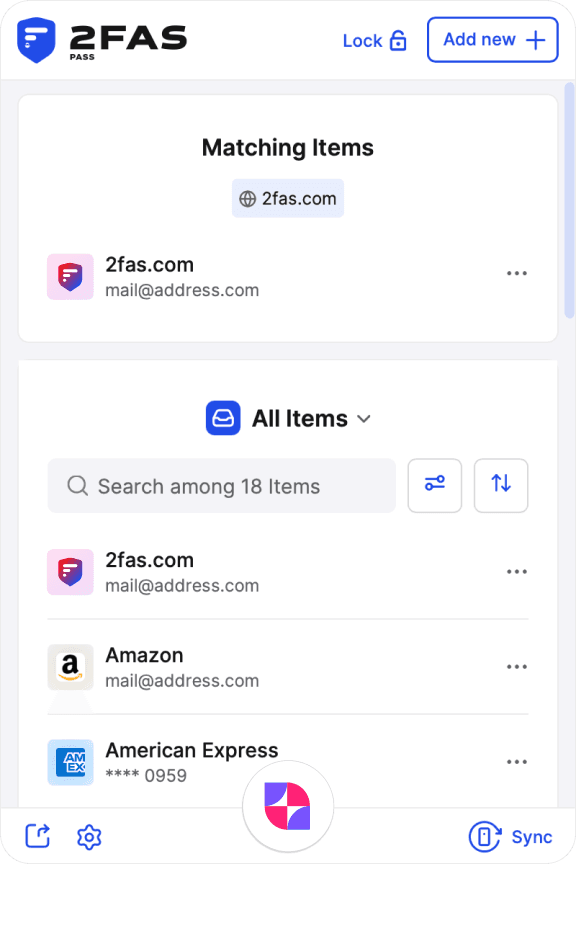
Own your Items
Local-first
Designed with security and privacy as its core values, 2FAS Pass stores all your Items in an encrypted local vault.
Source-available code ensures that every security feature we use can be verified by independent security experts.
No account required
100% anonymous use. Download the app and start using it without any registration.
Source-available
2FAS Pass will be Source-available for two years after its release. After that, it will become fully Open-source and available to all to ensure full transparency.
Self-hosted
You decide where to store your Items. You can store it in your own cloud or keep it as an encrypted file on an external drive.
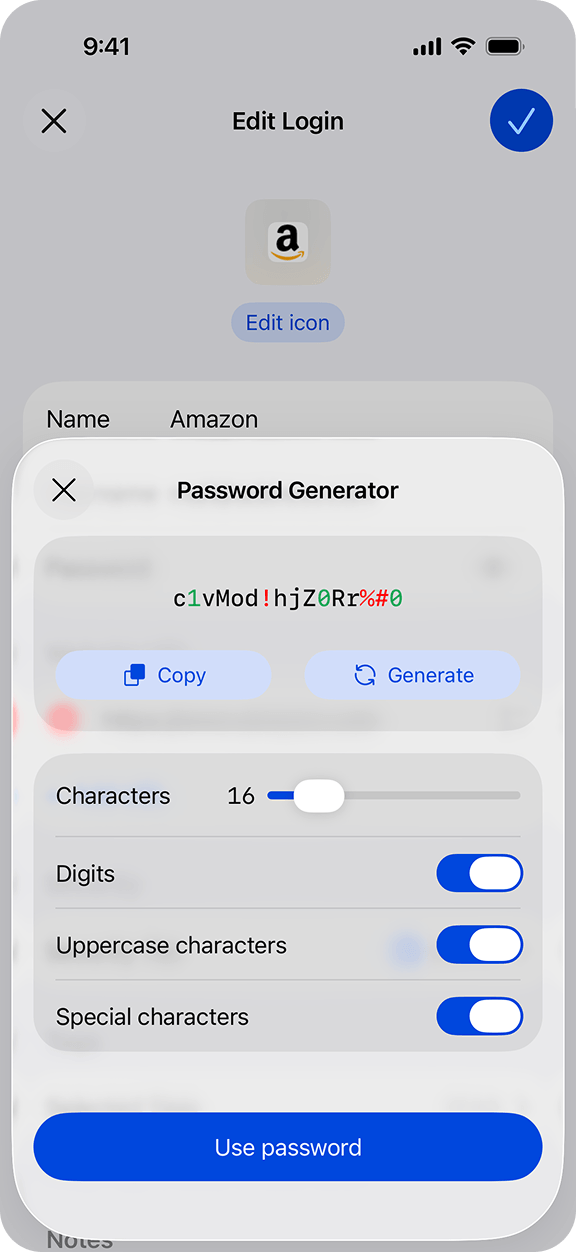
State-of-the-art encryption
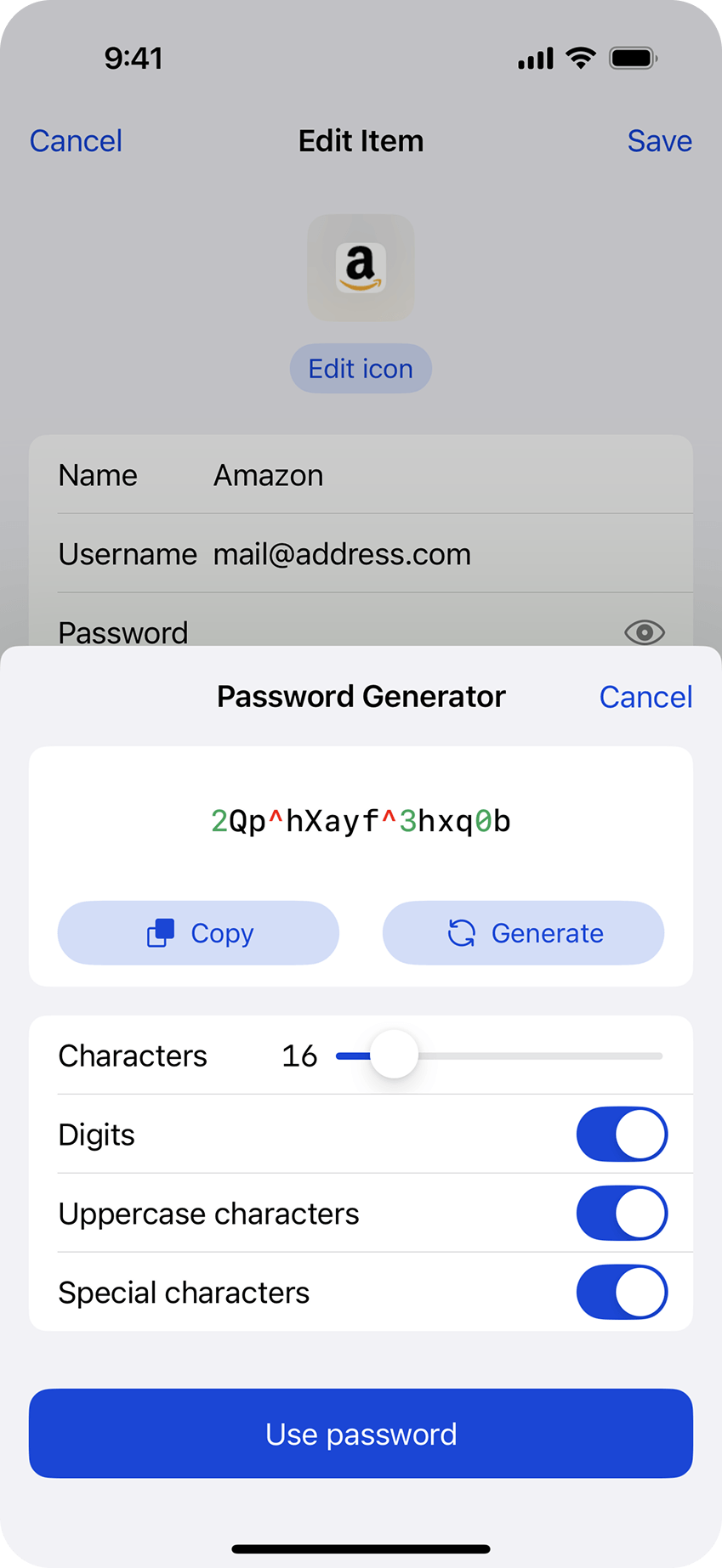
All your Items are encrypted locally with Secret Words that only you know.
3 Security Tiers
2FAS Pass supports 3 Security Tiers for protecting your Items.
Anonymous
2FAS Pass does not collect your emails, names, IPs or other personal identifiers.
Private and secure
2FAS Pass provides the highest-quality encryption for storing, using and accessing your Items. There are no compromises in security while you have control over it.
Only you have access to your Items.
Download our White PaperBrowser Extension available
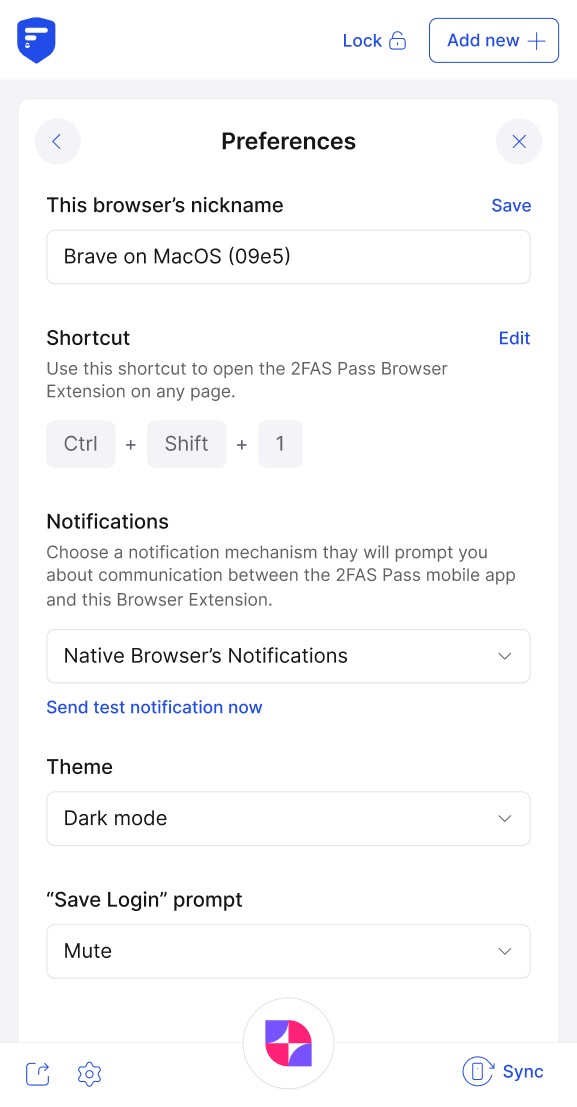
Browser extension securely retrieves Items from your mobile device, ensuring that your browser never stores sensitive data unless you want it to.
You have full control over the security at every stage.
Learn more about 2FAS Pass browser extension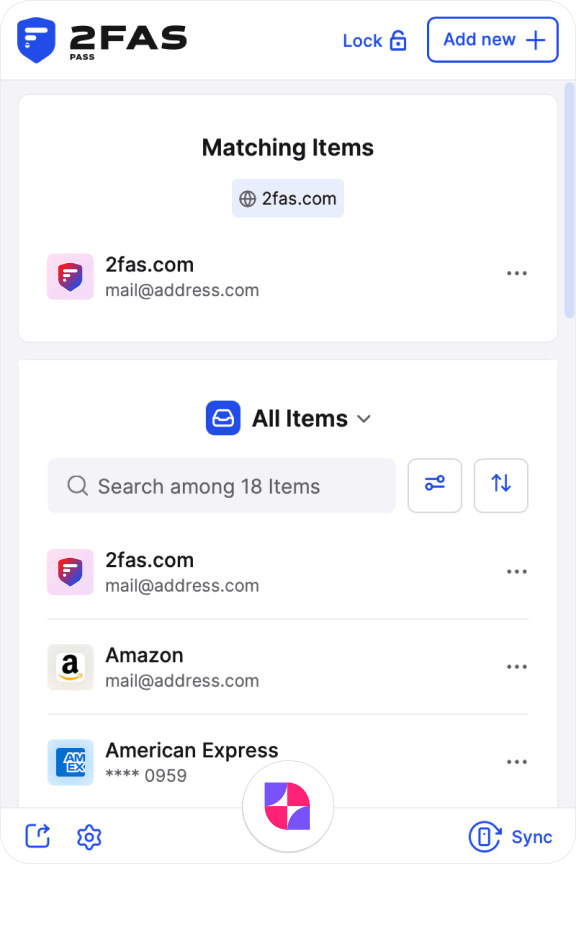
End-to-end encryption
All communication between your mobile device and your browser is always end-to-end encrypted.
Simplified and faster access
Browser extension substantially speeds up the sign-in process while maintaining the security and privacy of your Items.
Malware protection
All your Items are stored and encrypted in the browser and are decrypted only upon the user's request, with possible additional authentication for Highly Secret Items.
Item Security Tiers
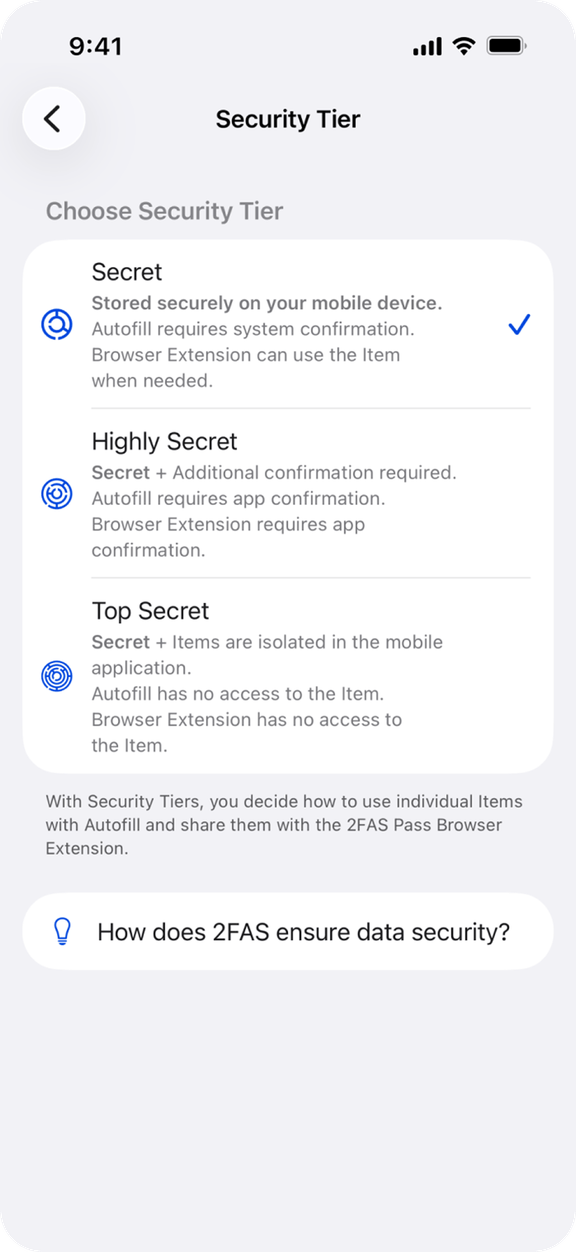
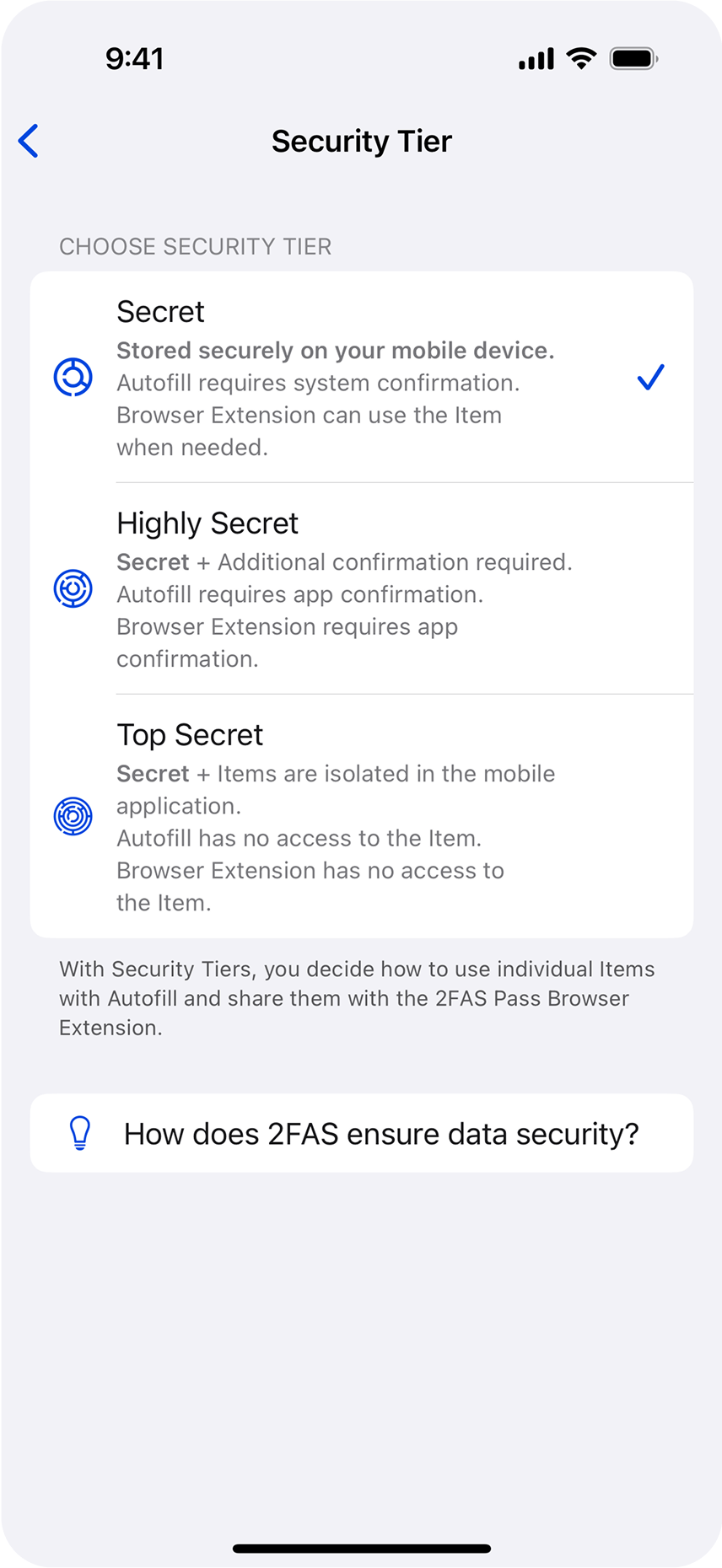
With Security Tiers, you decide how to use individual Items with Autofill and share them with the 2FAS Pass Browser Extension.
Secret
Items assigned to the Secret Tier are stored securely on your mobile device. They are available in Autofill and the 2FAS Pass Browser Extension whenever you need them.
Highly Secret
Items assigned to the Highly Secret Tier provide a higher security standard and require additional confirmation. Access through the Browser Extension or using Autofill must be confirmed in 2FAS Pass.
Top Secret
Items assigned to the Top Secret Tier are isolated and cannot be used with Autofill or 2FAS Pass Browser Extension. They must be entered manually.
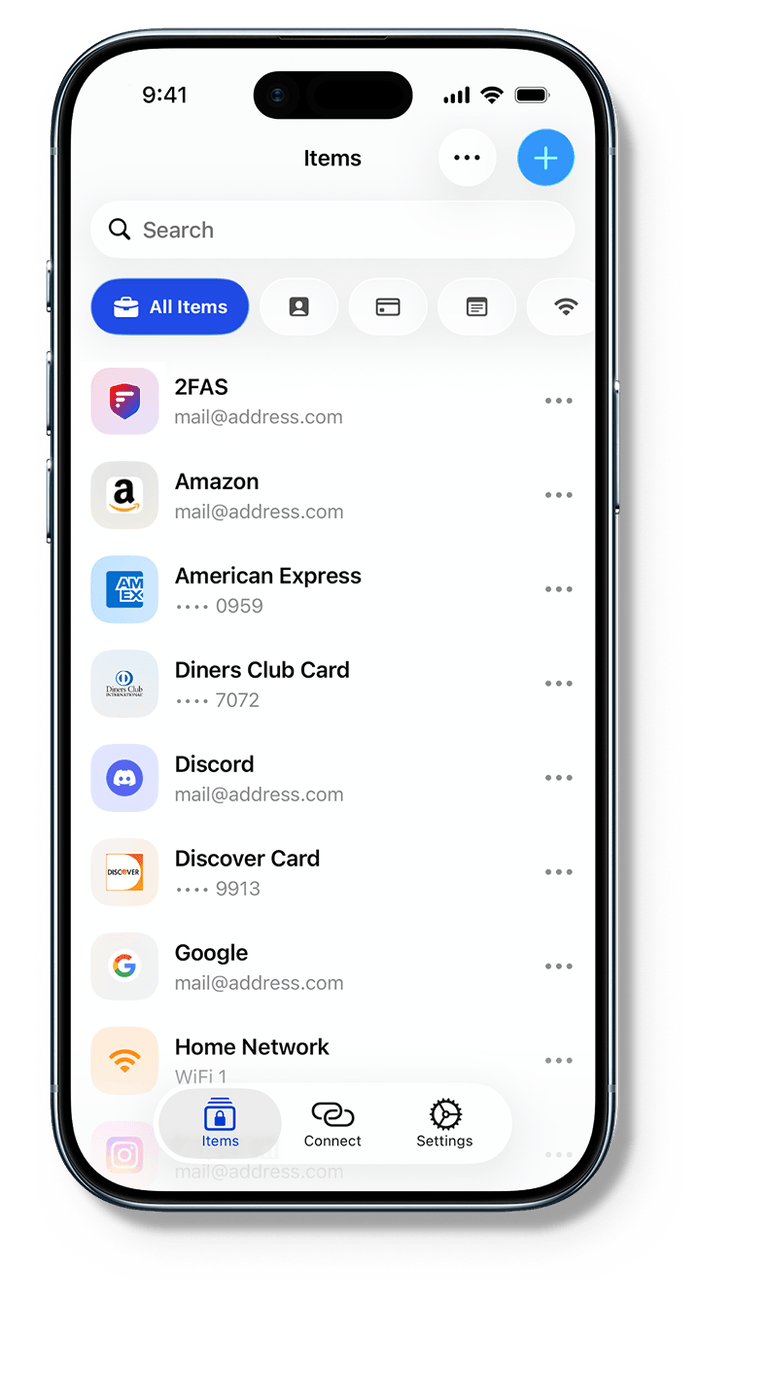
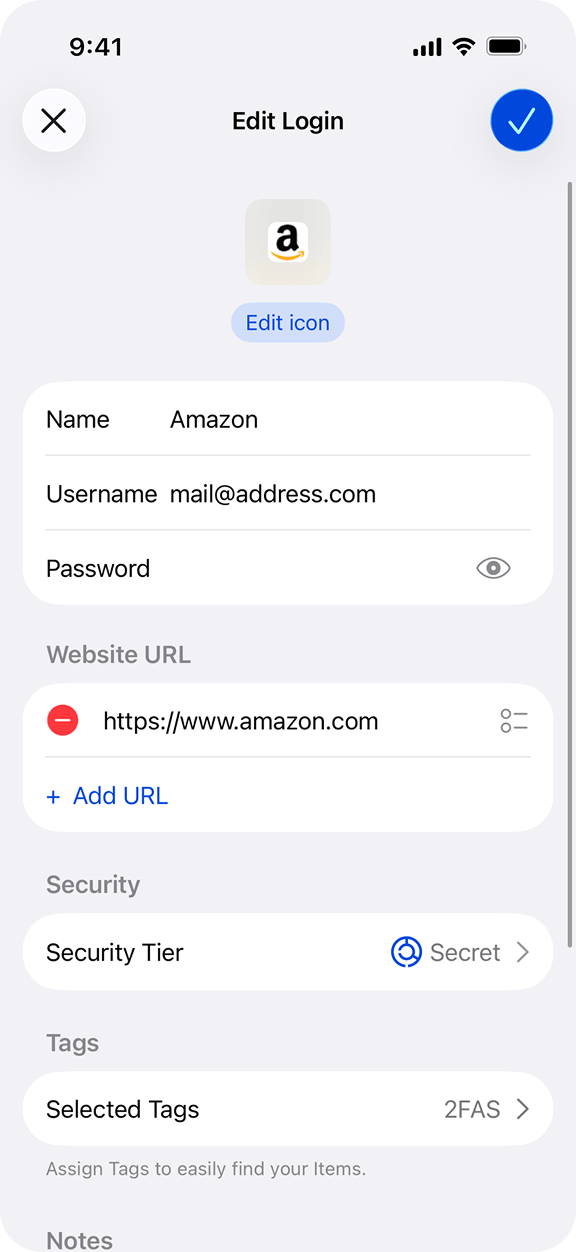
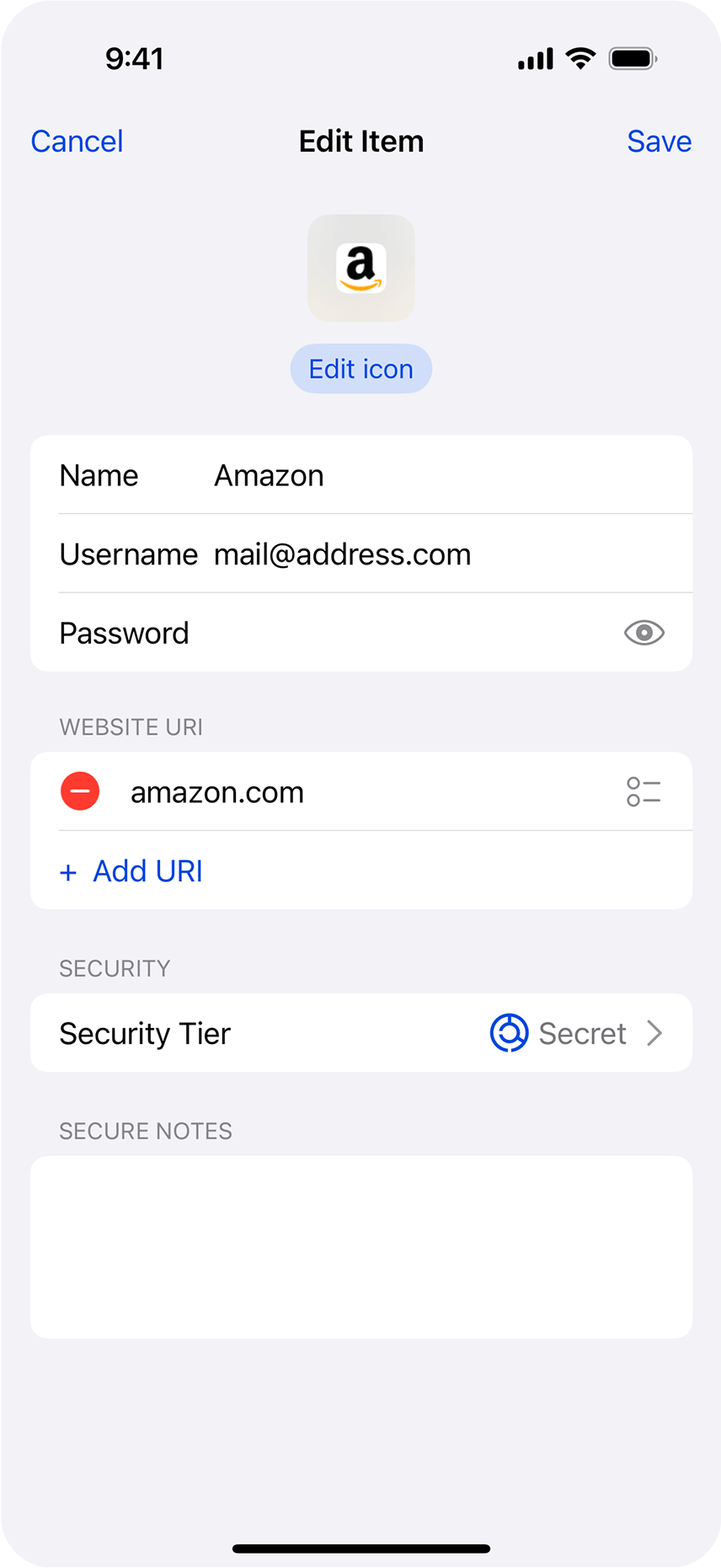
You can choose the Security Tier for each Item within the 2FAS Pass Mobile App.

Here’s why we built 2FAS Pass
Andrew shares the story behind the password manager that puts privacy and security first - and gives you full control.
It’s not just another password manager - its a smarter way to protect your data.
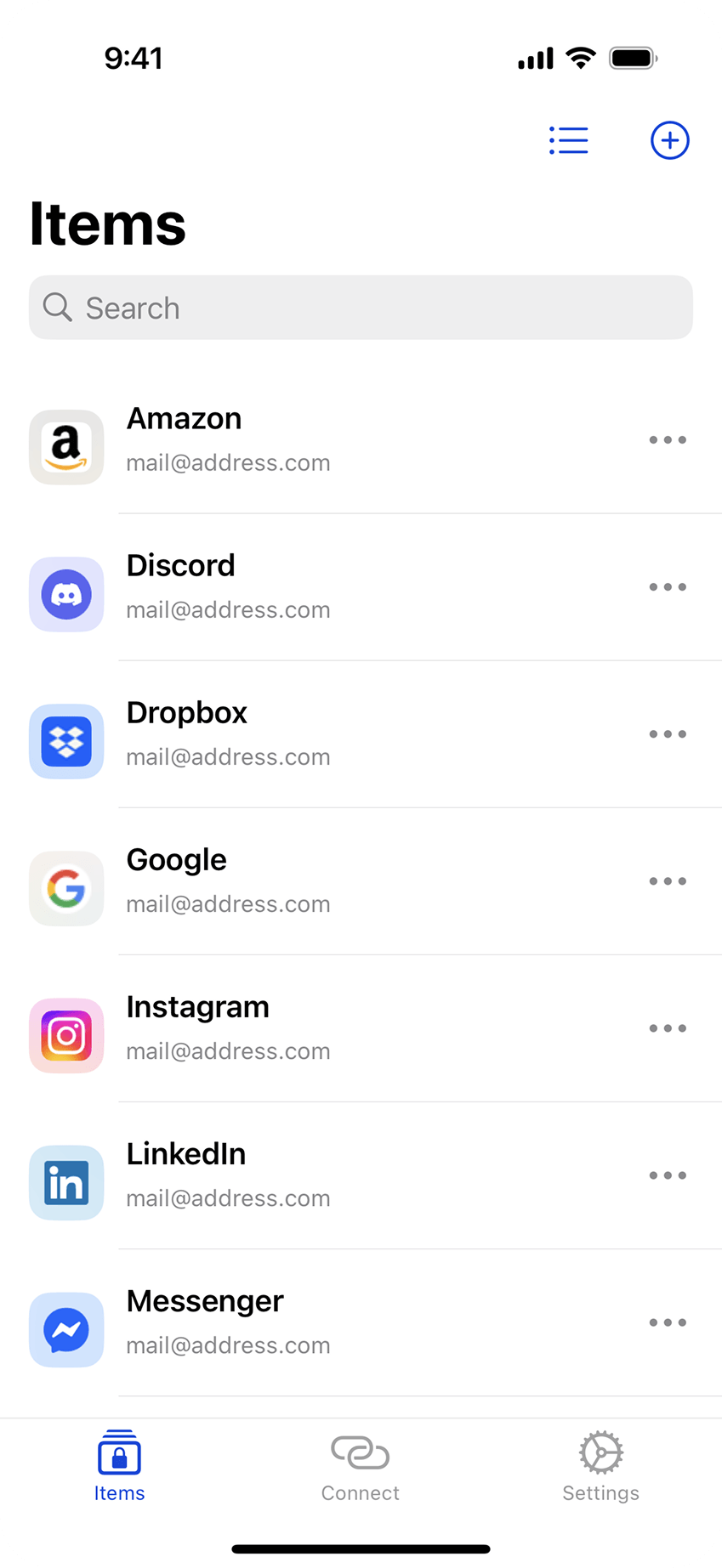
Aesthetics and UX of native applications
Enjoy perfect integration with your device's operating system. 2FAS Pass is designed to align with the native user experience and security standards of iOS and Android.
You control your data
Third-party servers don't control you
Centralized solutions
Local-first approach
Centralized solutions
Your data is stored on third-party servers. If their service goes down, you risk losing access to everything.
Local-first approach
You decide where to store your Items. You can store it in your own cloud or keep it as an encrypted file on an external drive.
Centralized solutions
Cloud-based solutions may require you to create an account and collect metadata such as email addresses, IP logs, and device fingerprints.
Local-first approach
It's not a matter of trust. You store everything where you choose, and you don't need the Internet to access your Items.
Centralized solutions
Storing the data of all customers makes it an attractive target for bad actors. A breach can expose vast amounts of data and user vaults.
Local-first approach
Bad actors can't breach users' security data as there is no single point of attack, and every user stores their data privately.